How do I create an Eclipse account?
To access eCLIPSE, please click on the following link: https://eclipse.phila.gov.
To renew a Department of Licenses and Inspections (L+I) business license online, you must first create an account in the eCLIPSE system. You are required to have an active email address to renew your business license online.
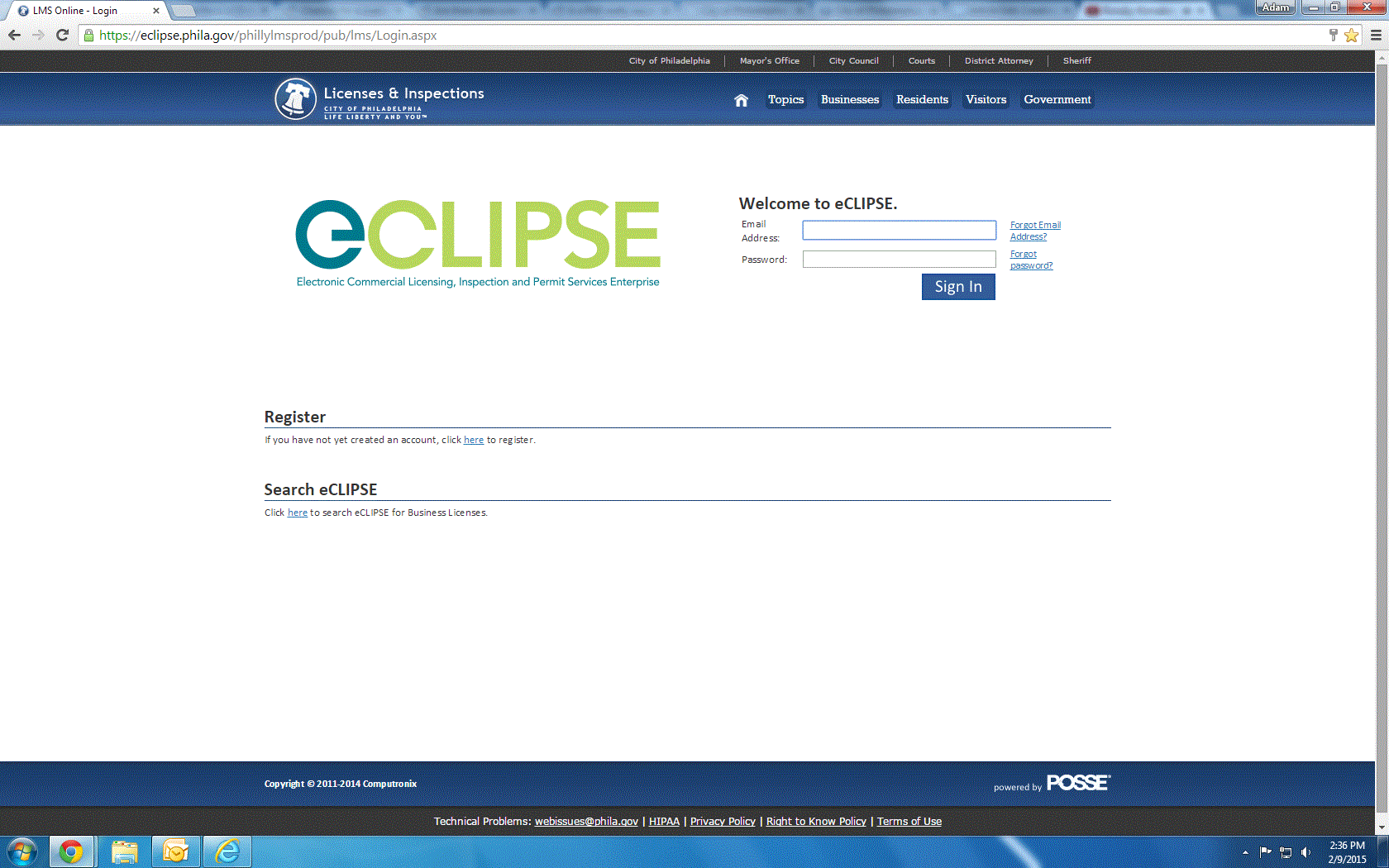
The eCLIPSE homepage will look like the below screenshot:
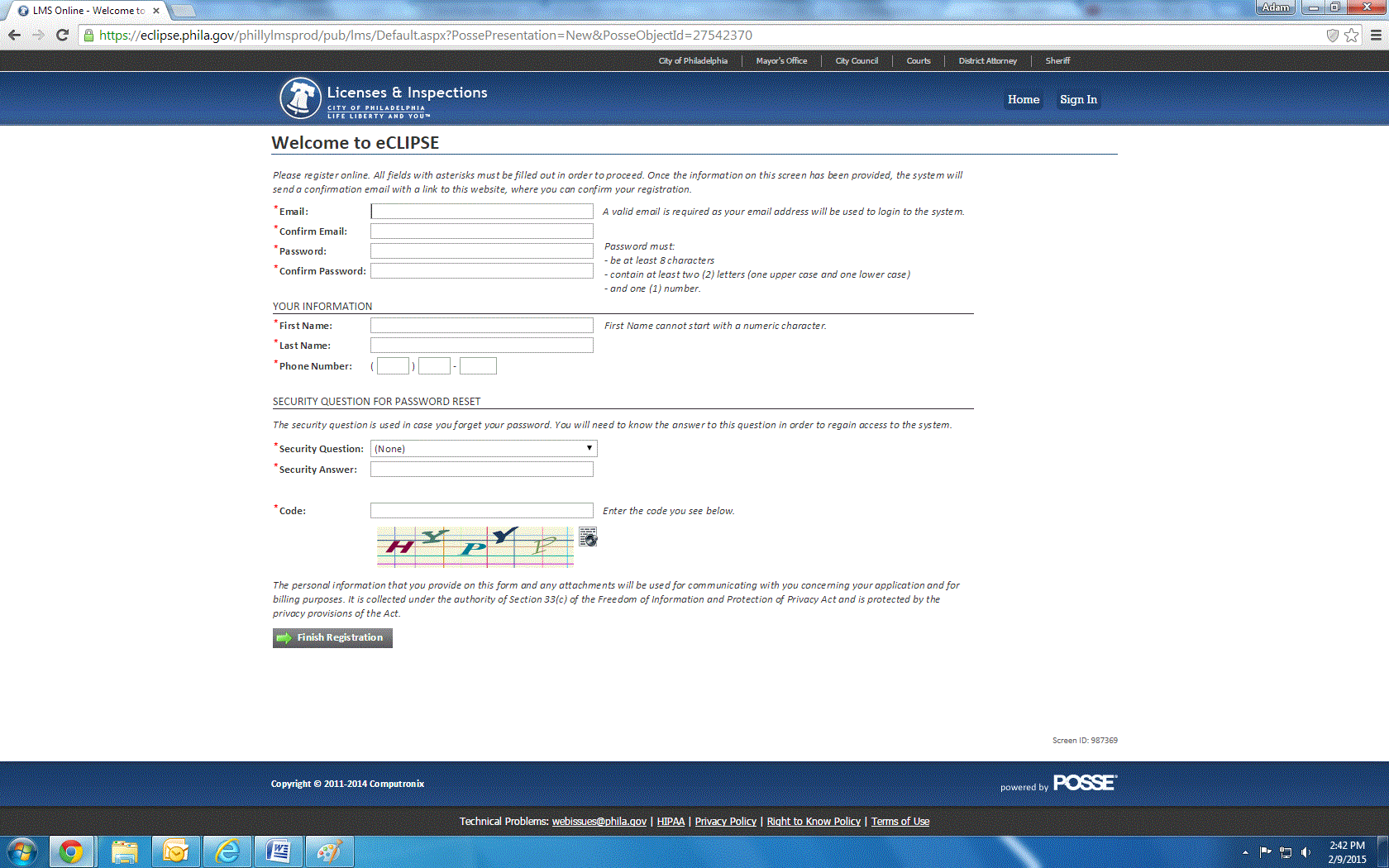
Please fill in all required fields and do not forget the password that you enter. You will need to use this password to access the eCLIPSE system again.
You will be required to re-enter the Code at the bottom of the registration screen if the system prompts you to re-enter information in any of the other fields.
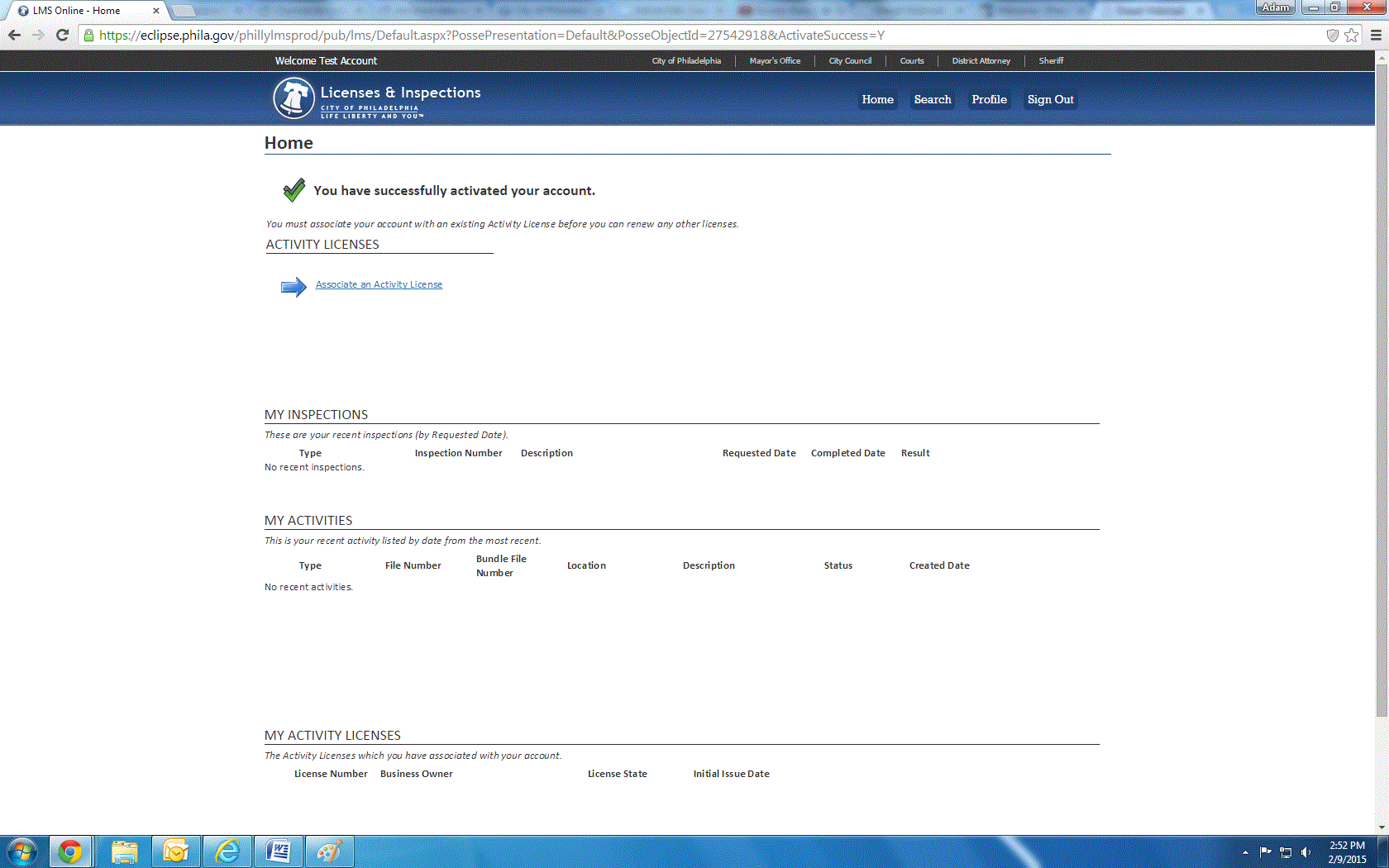
Once you have completed your registration, you will receive a confirmation email. The length of time that it will take for you to receive this email will vary based on your email service. Please click the link, re-enter your eCLIPSE password and click the Activate button. You will be taken to the page seen below.
L&I Chat for eCLIPSE Support is also an option.
Further Information:
For more help, go to https://www.phila.gov/departments/department-of-licenses-and-inspections/permits-and-certificates/help-using-eclipse/.


